
Shopify app
An accessibility menu that feels at home in your store.
AccessiWidget runs through a Shopify theme app embed. No code to paste, and it works with your existing theme.
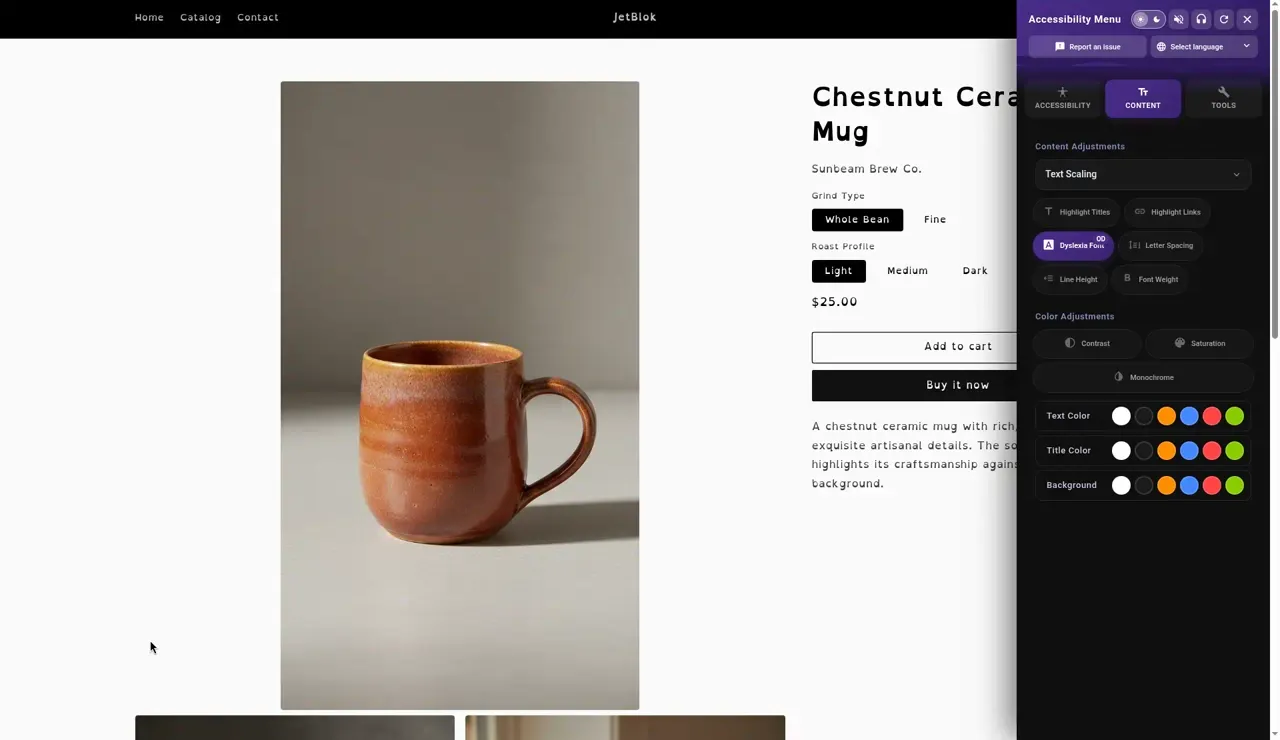
For shoppers
What your shoppers get.
- A launcher button in the corner of every storefront page
- Text, contrast, colour, reading and motion tools
- 8 one tap profiles
- Choices remembered on the shopper's own device
- A panel in 17 languages, with right to left layout
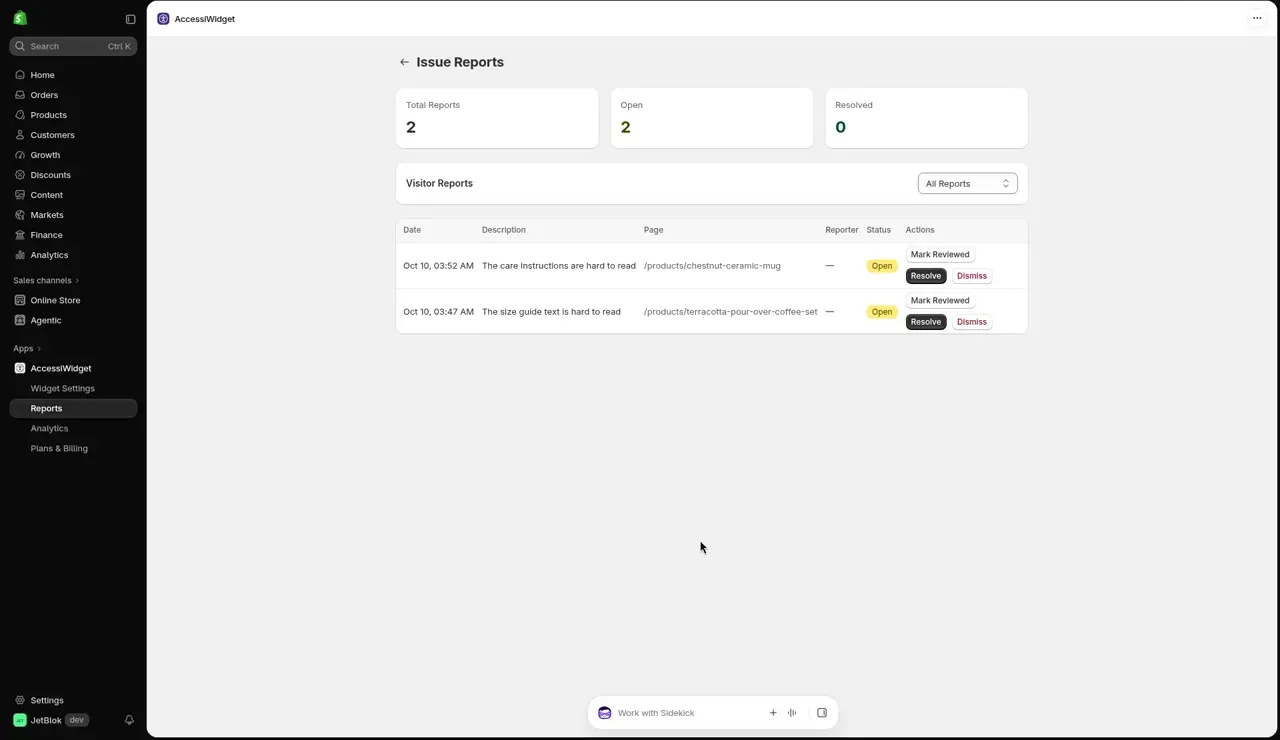
- A way to report a problem to you
For merchants
Helpful tools behind the counter, too.
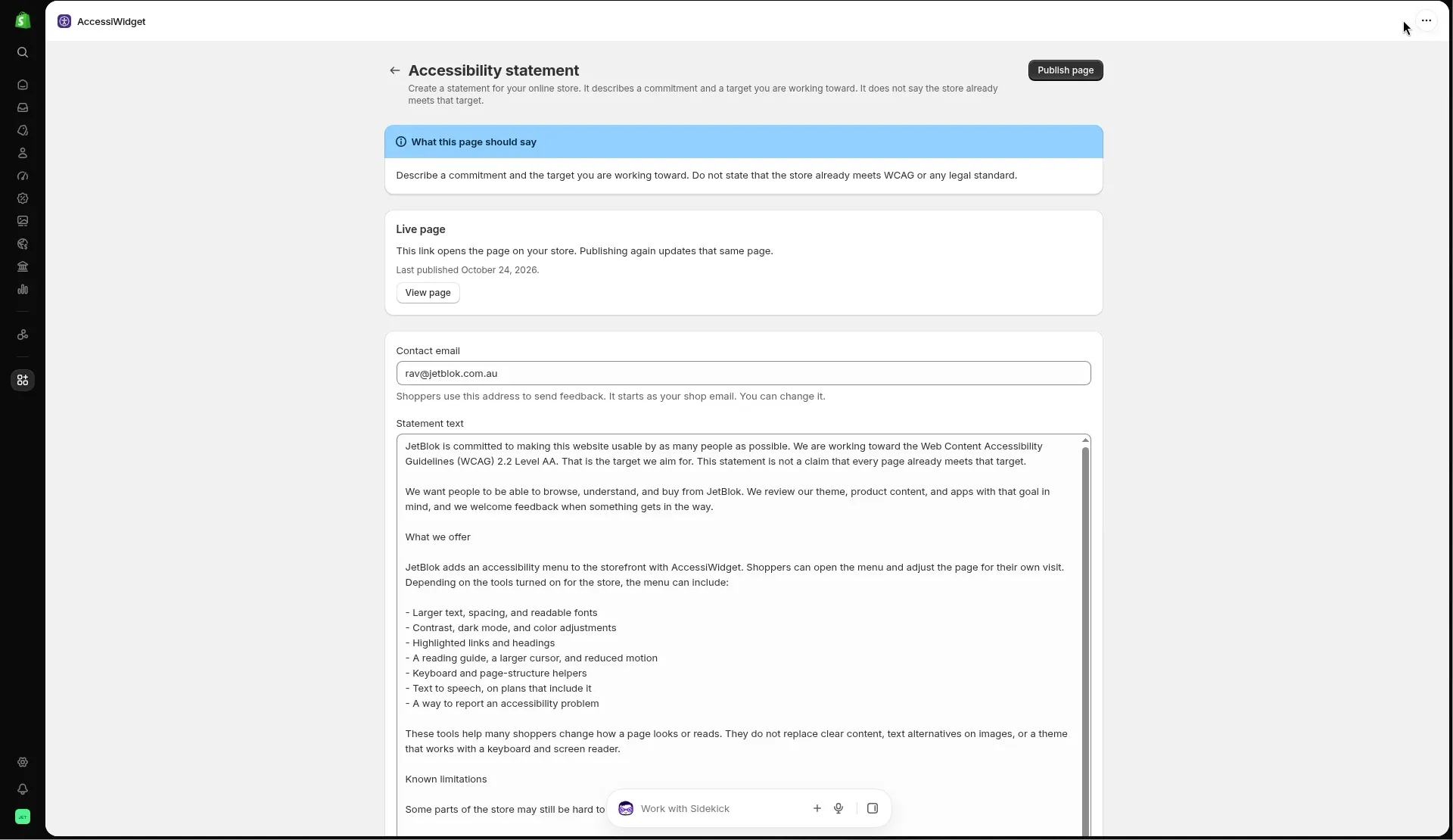
Everything you need to look after the menu lives inside Shopify admin.
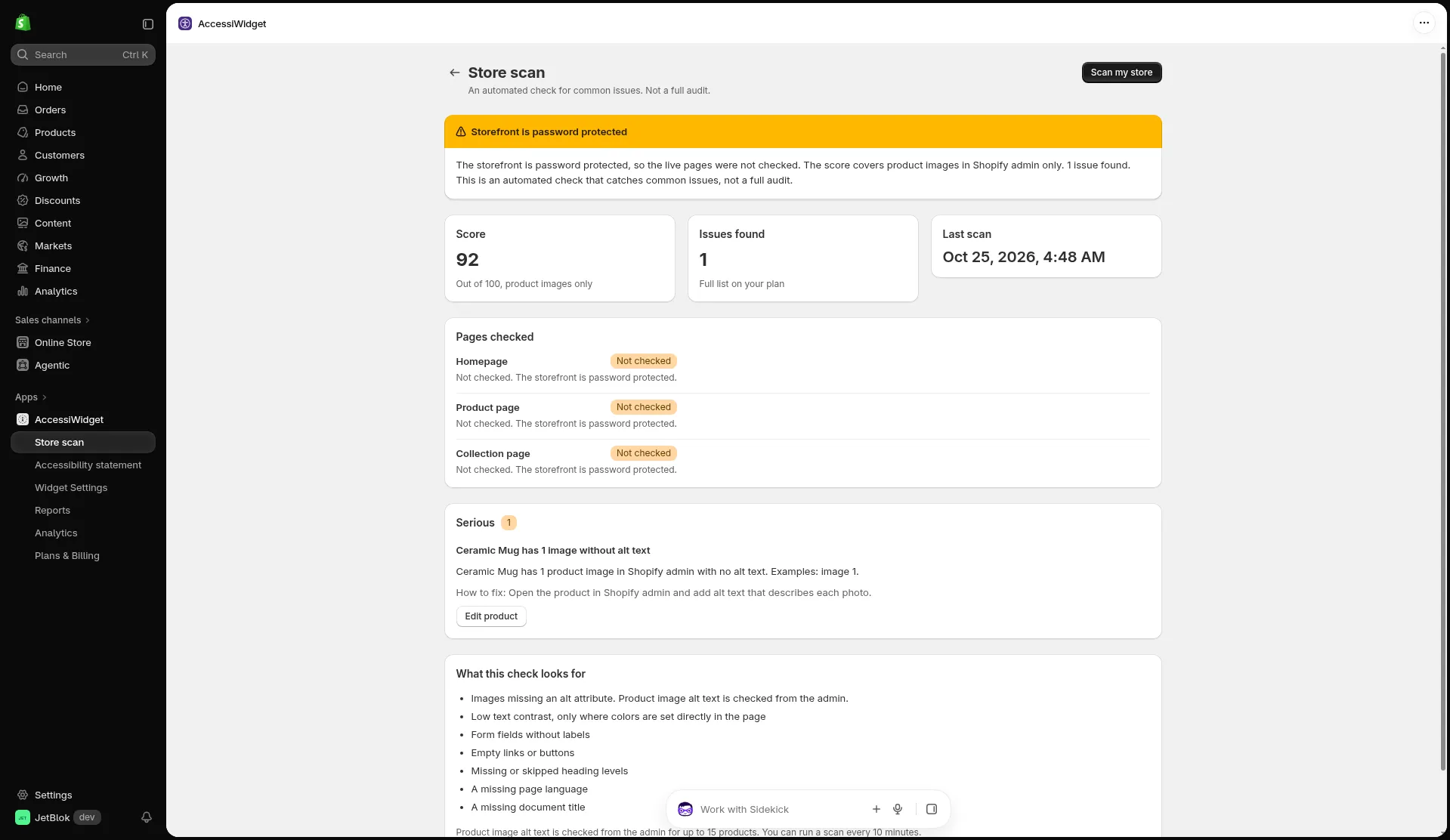
An automated check for common issues
Scan your store for things like missing alt text, unlabelled form fields and skipped heading levels. It is a helpful starting point, not a full audit.
- Clear how to fix notes for each issue
- Product image alt text checked from your admin
- Run a fresh scan whenever you make changes
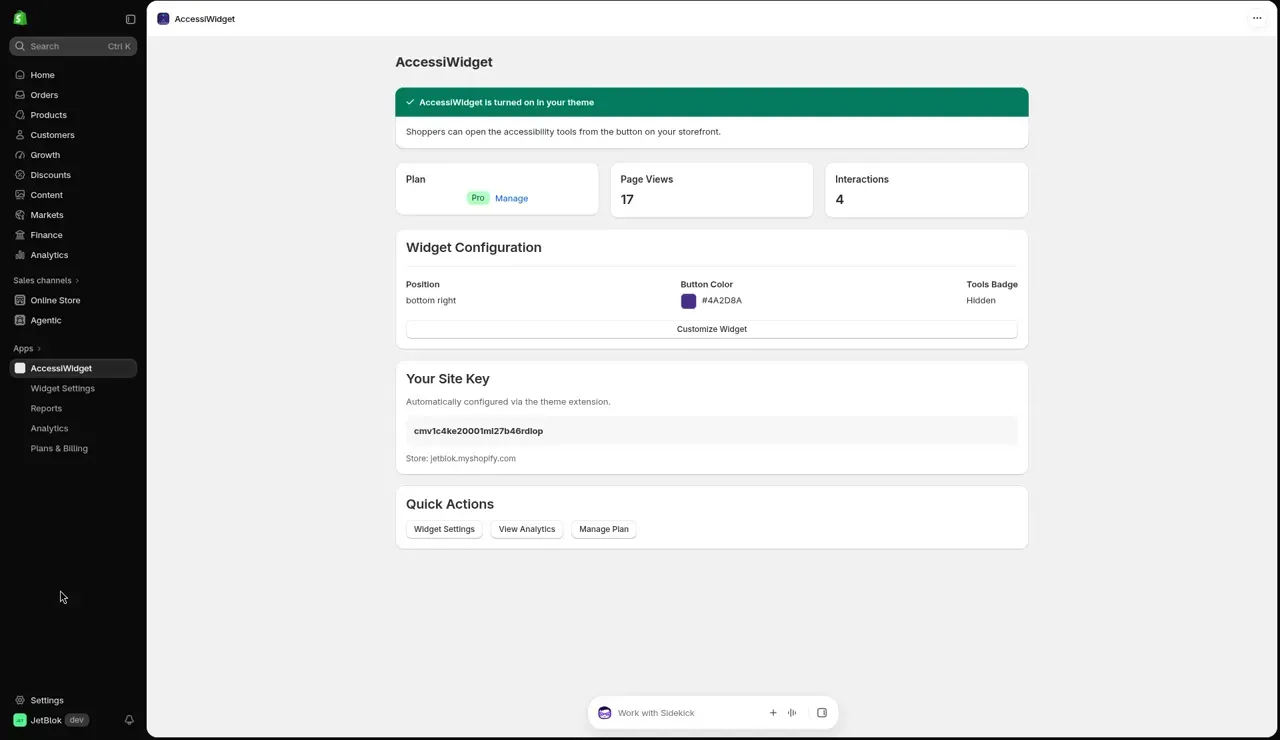
Install in four steps
Live on your store in minutes.
-
Step 1
Install the app
Add AccessiWidget from the Shopify App Store. The free plan needs no payment details.
-
Step 2
Turn on the app embed
Open your theme editor, find App embeds and switch AccessiWidget on, then save.
-
Step 3
Pick your settings
Choose the button position and colour, and the profiles and tools you want to offer.
-
Step 4
Check your storefront
Visit your store, open the menu and try a few tools to see them working.
Give every shopper a little more control.
Start on the free plan. Upgrade, downgrade or remove it whenever you like.